The new version 2019.02 GDS2 software has been tested and verified working with VXDIAG series scanners. Hee vxdiagshop.com provides new GDS2 software download for free.
Free Download VXDIAG GM GDS2 2019.02
https://mega.nz/#F!jN4lSYaA!5Q_p4sZEySxLu6HVPP418A
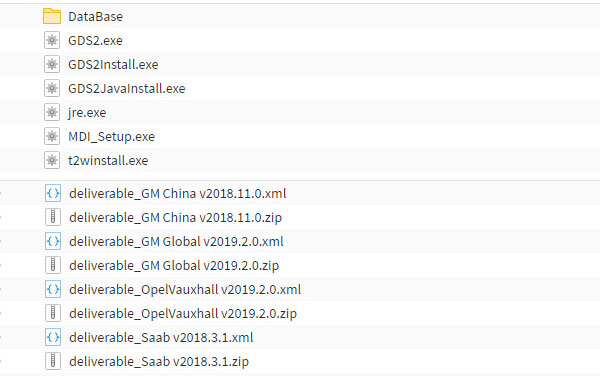
Software & database version:
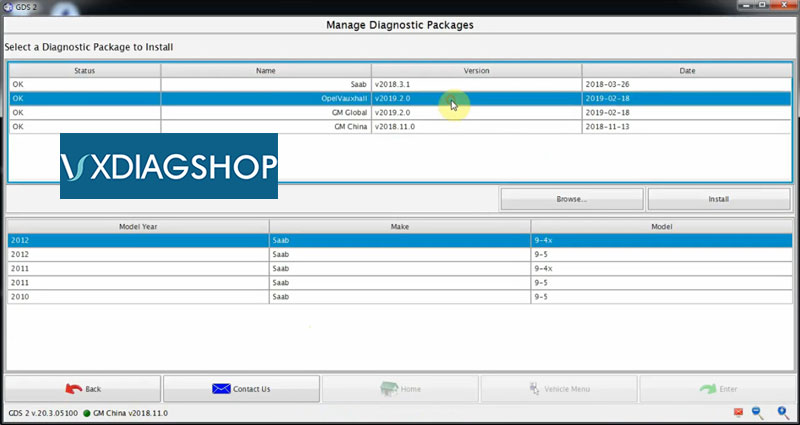
Saab v2018.3.1
Opel/Vauxhall v2019.2.0
GM Global v2019.2.0
GM China v2018.11.0
Supports part of GM models till 2019
Compatible device: VXDIAG VCX NANO for GM USB/WiFi, VXDIAG VCX Pro and VXDIAG VCX PLUS
Operating system: Win 7 64 bit/Win 8 64 bit
Multi-language: Czech, Indonesian, Danish,Dutch,English,Spanish,French,Italian,Polish,Portuguese,Romanian,Croatian,Norwegian ,Turkish,Russian,Thai,Japanese,Chinese,Korean
How to install 2019.02 VXDIAG GM GDS2 Software?
Download Software
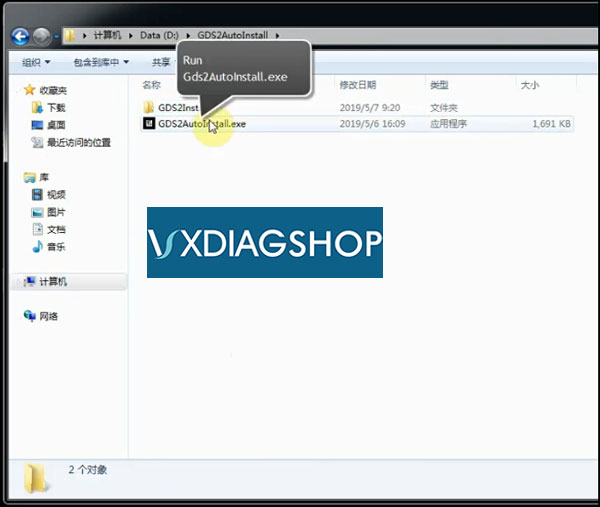
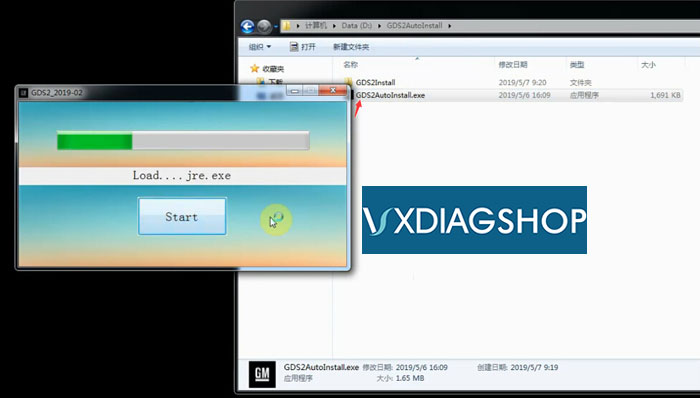
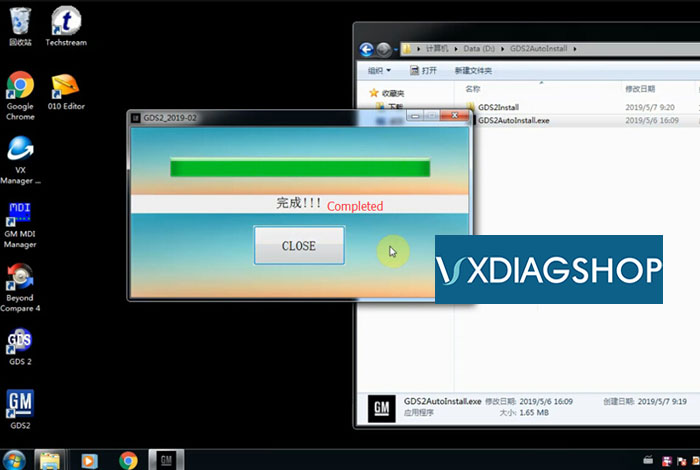
Run and install Gds2AutoInstall.exe
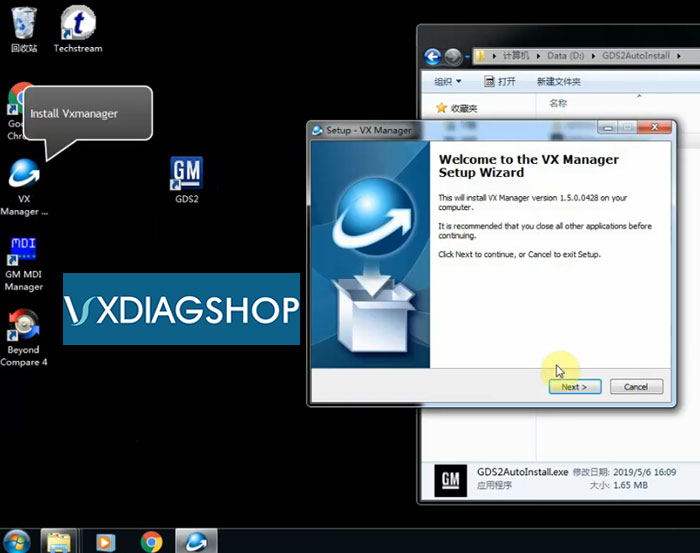
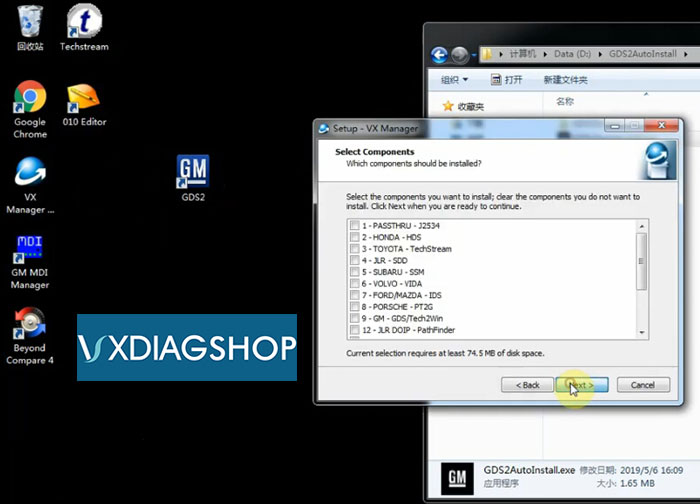
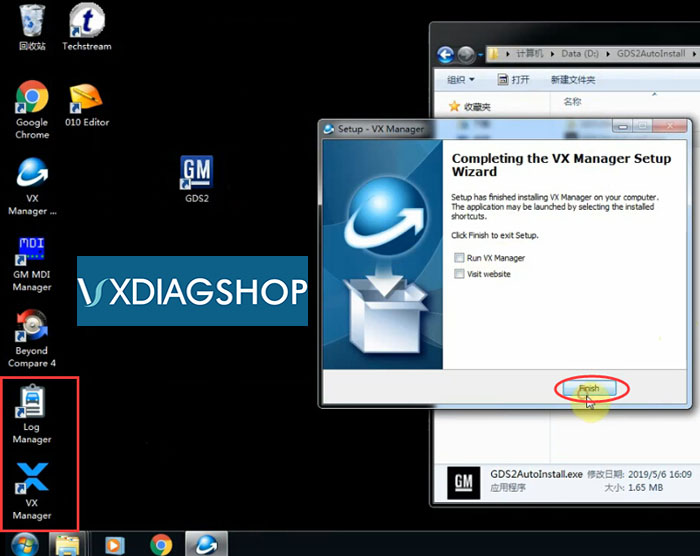
Finish install VXManager
Not to start right now
Connect VCX scanner with laptop
Open VX Manager on desktop
Device was well connected
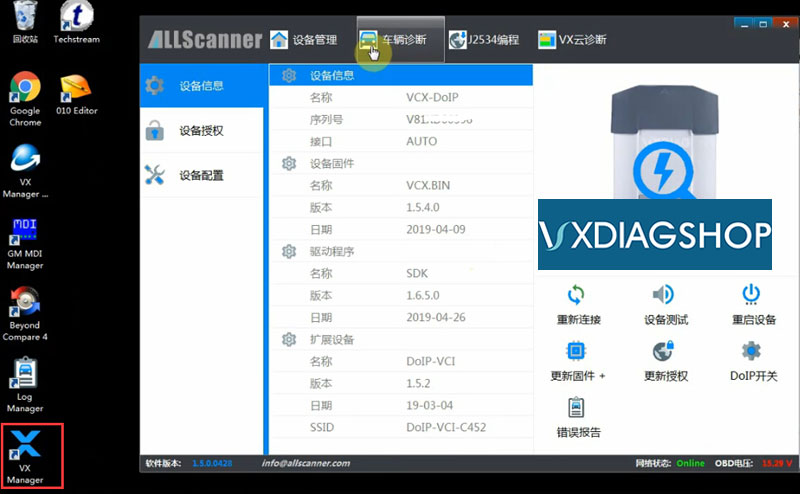
Go to Diagnostic tab, install GDS2/T2W Driver
Press Install
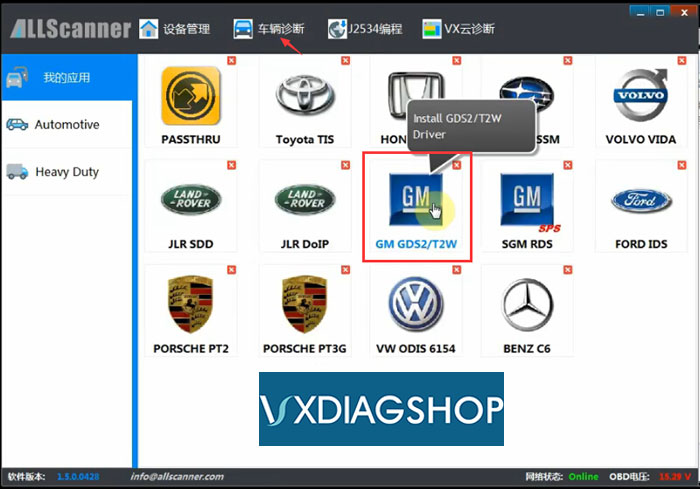
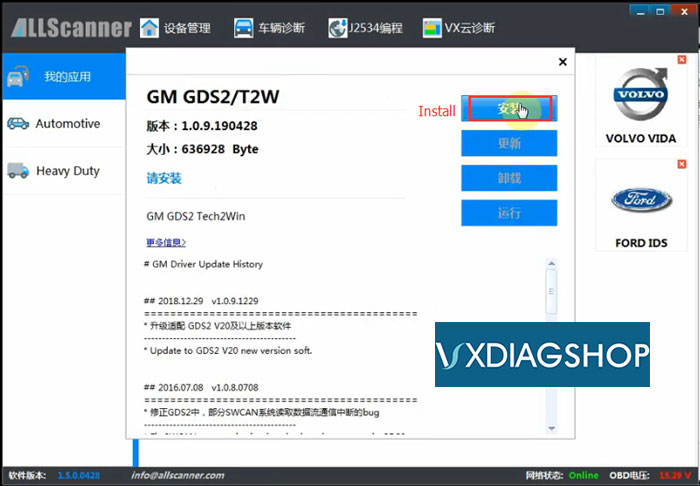
Install GDS2/T2W driver success
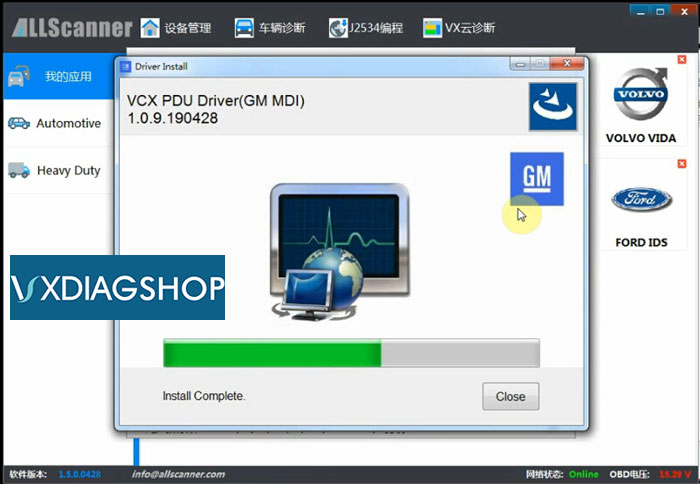
Run GM GDS2 software on desktop
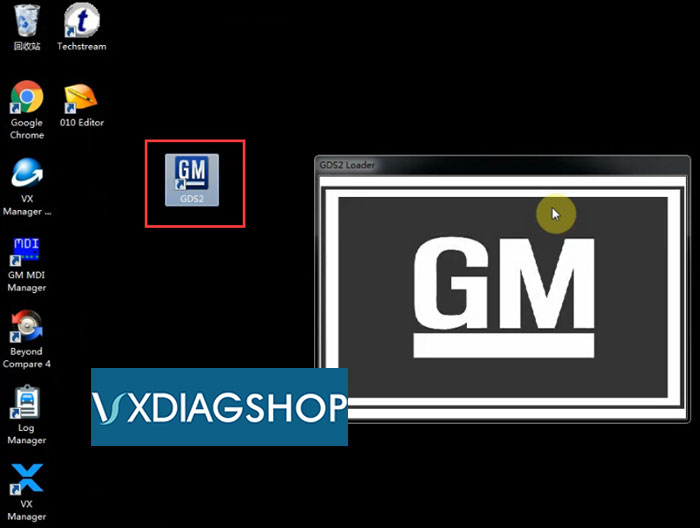
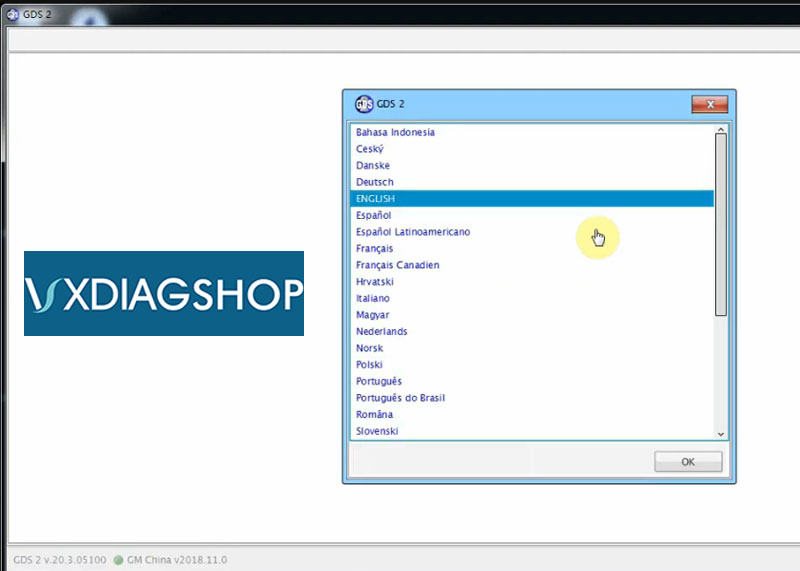
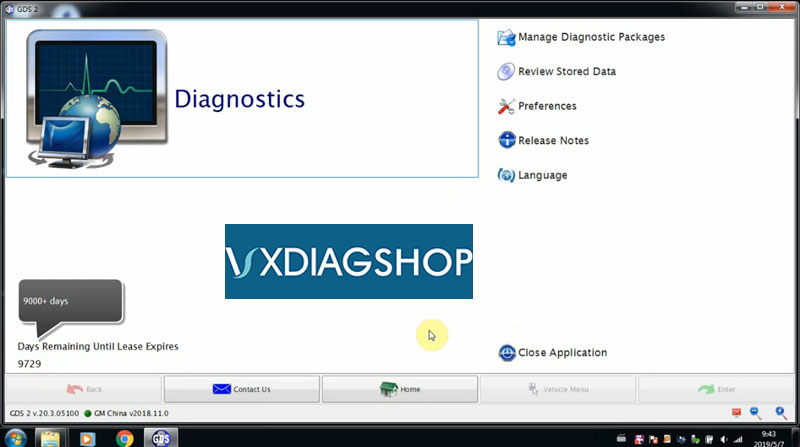
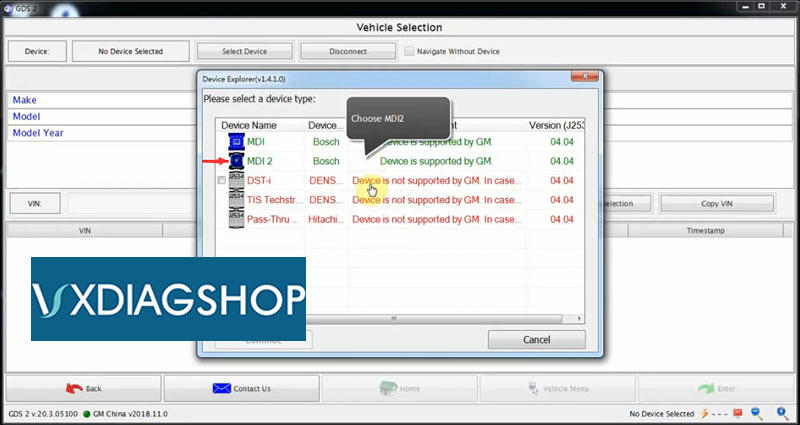
Choose device as MDI2
Device is connected and detected
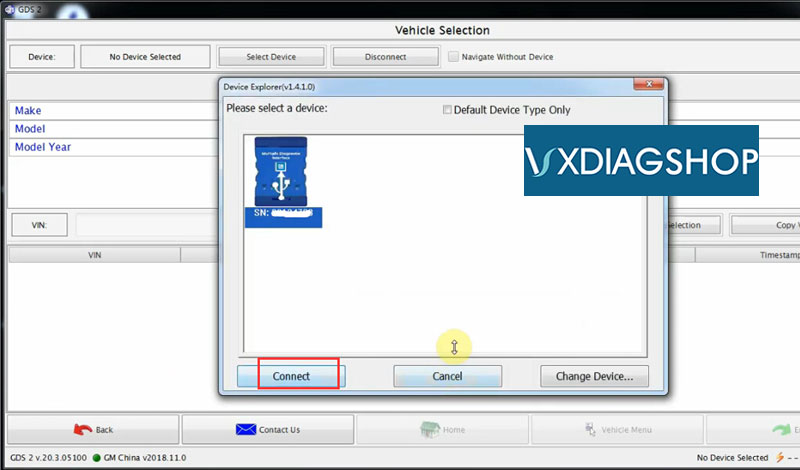
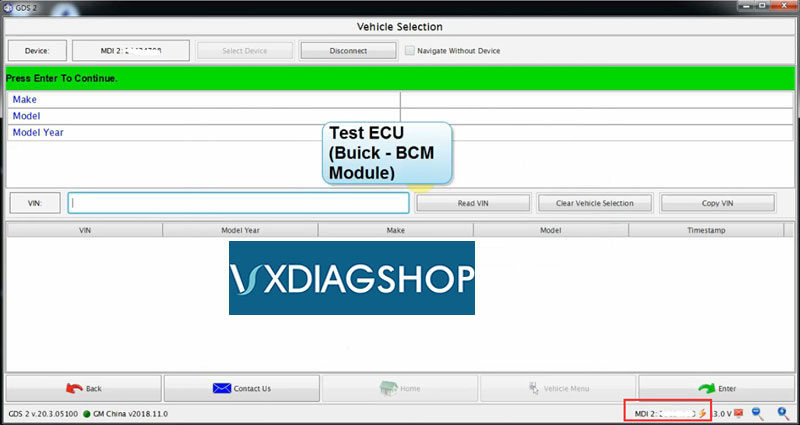
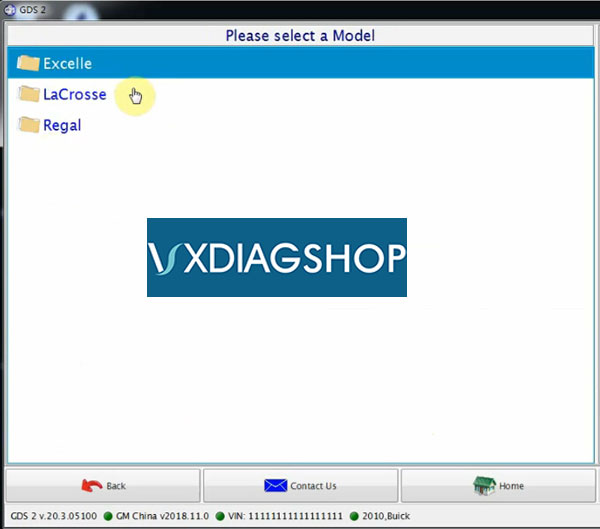
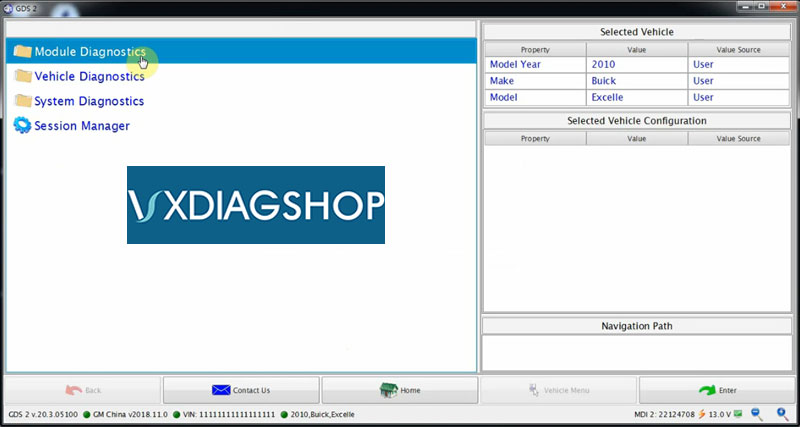
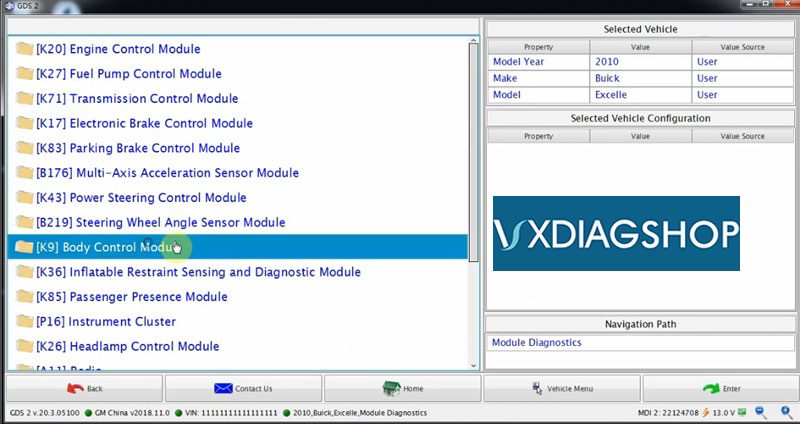
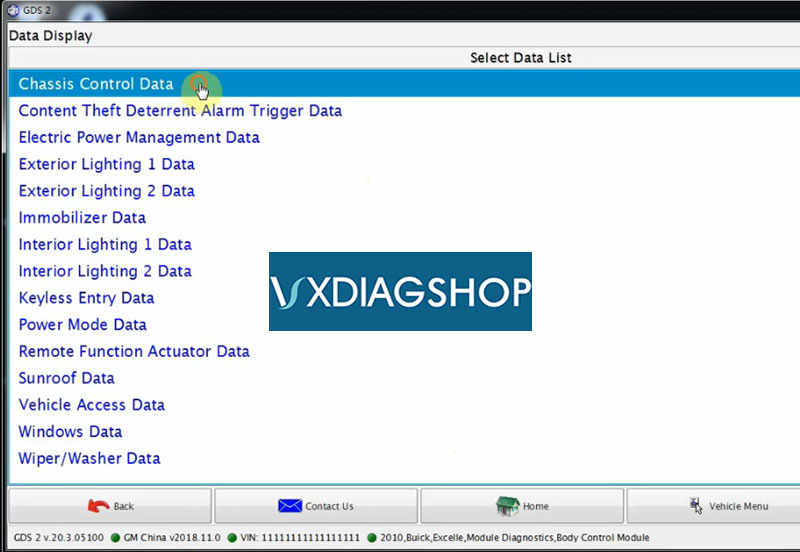
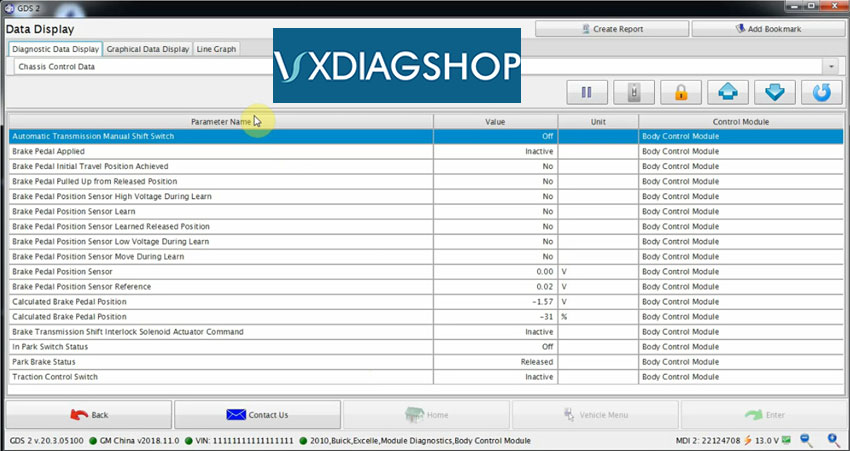
Test Buick Excelle 2010 BCM module
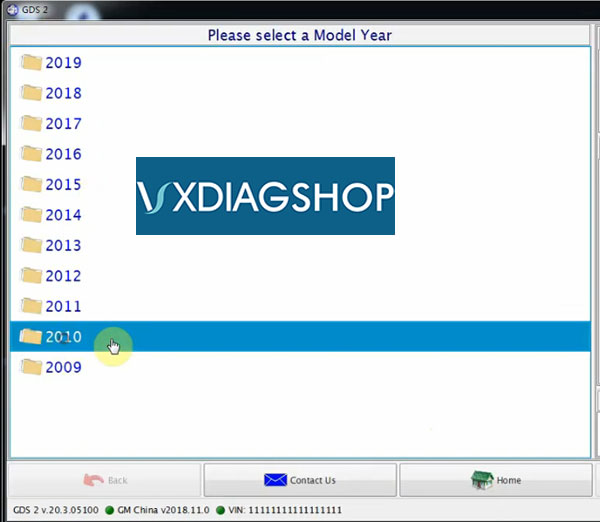
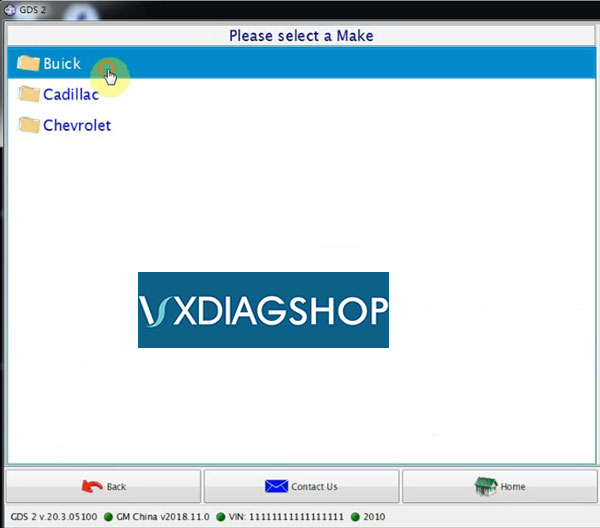
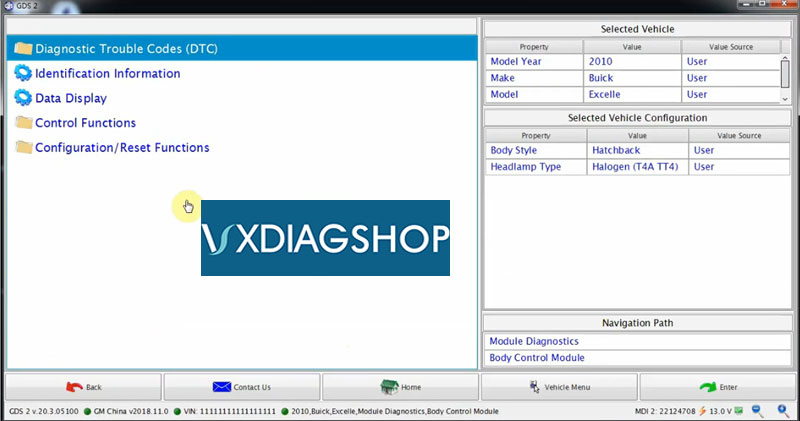
Select 2010->Buick->Excelle->Module Diagnostics->K9 Body Control Module->headlamp type: Halogen (T4A TT4)->Body style
Hatchback->Data Display->select data from list
Check DTC and erase fault codes
Technical support from www.vxdiagshop.com
http://www.vxdiagshop.com/service/install-vxdiag-gm-gds2-v2019-02-software.html
